
Reward the step they reach
Free gifts
Add a gift moment to a custom bundle while checkout keeps the selected gifts inside the campaign's rules.
Choose your gift2 of 3
Product A ✓Product B ✓Product C +
Gift unlocks nextNext step
How it works
From campaign rule to checkout.
Offer optional or required gifts from products, variants, or collections, with preselected defaults and clear choice policies.
01
Create a gift pool from variants, products, or collections.
02
Attach it to a discount step and choose optional or required gift counts.
03
Preselect explicit variants and decide whether shoppers may replace them.
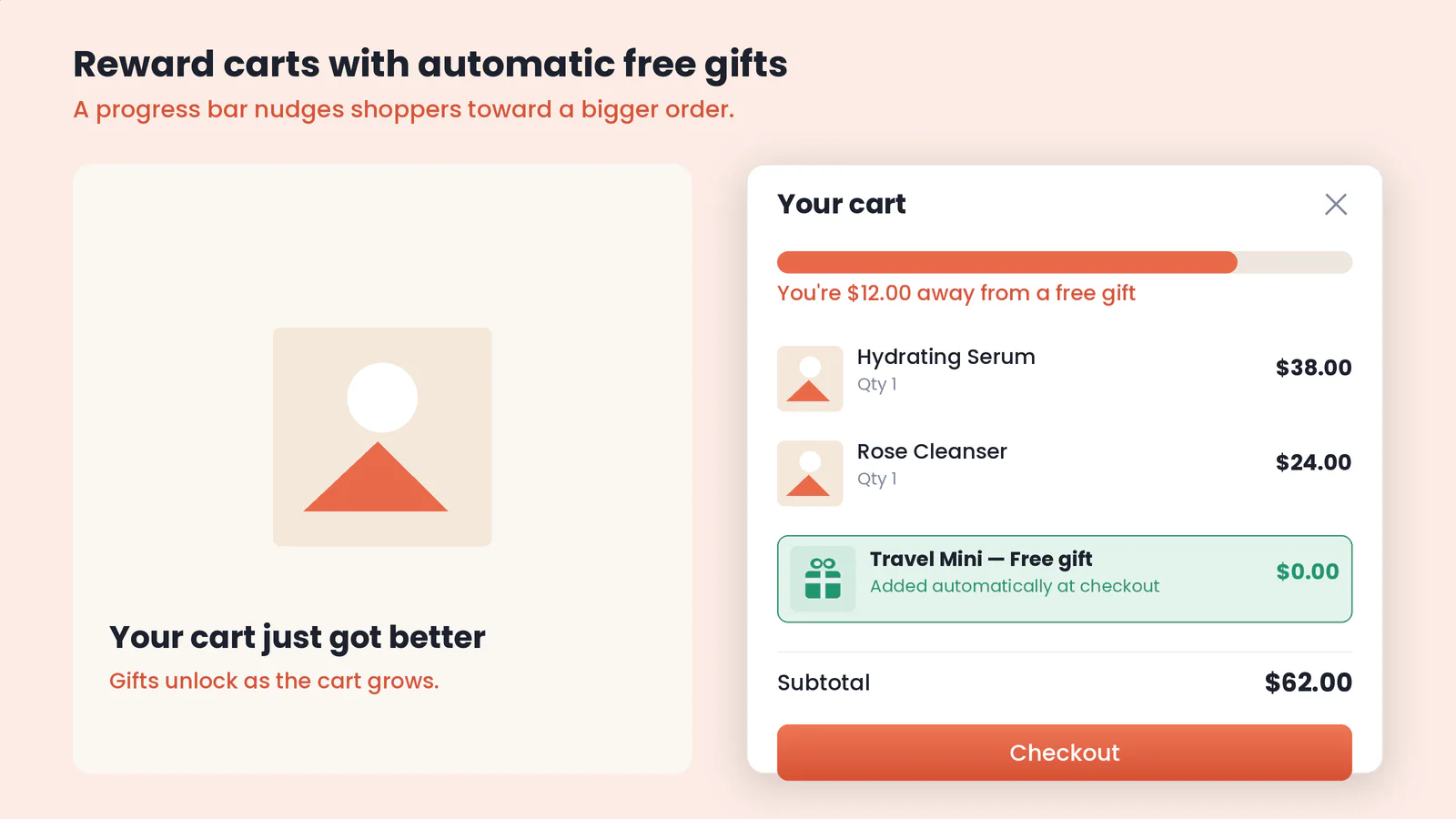
What you control
The options that actually ship.
These controls are grounded in the current campaign editor and publishing checks—not a future roadmap.
| Control | What it means |
|---|---|
| None, optional, or required gift mode per step | You choose this in the campaign or its matching Theme Editor surface. |
| Required minimum and maximum, or optional maximum | You choose this in the campaign or its matching Theme Editor surface. |
| Any pool gift, preselected-only, or locked-preselection policy | You choose this in the campaign or its matching Theme Editor surface. |
| Automatic preselection from explicit gift variants | You choose this in the campaign or its matching Theme Editor surface. |
| One unit per selected gift; duplicate gift quantities are not supported | You choose this in the campaign or its matching Theme Editor surface. |
What keeps it honest
Storefront display and checkout authority stay separate.
Verified
Unavailable gifts are filtered from the shopper experience.
Verified
Restrictive policies narrow both the visible choices and the checkout allowlist.
Verified
Gifts are priced as free only when the qualifying step and gift rules pass.
Verified
Designs with gift-inclusive savings can show the gift’s regular value in the savings line.
Verified
Supported designs can show a locked preselected gift as Included free from page load.