
Storefront customization
Keep offer rules in the campaign while the storefront reads your configured product data and adapts its presentation to the theme around it.
From campaign rule to checkout.
Control campaign wording in Cinch, then tune product-card data, catalog tools, swatches, images, frames, and layout in Settings and the theme layer.
Set the bundle name shown in cart and checkout.
Point Cinch at the product and variant metafields that hold ratings, review counts, badges, and swatch colors.
Use theme settings for prompts, colors, image fit, boxed or bare cards, variant controls, catalog tools, responsive summaries, and layout.
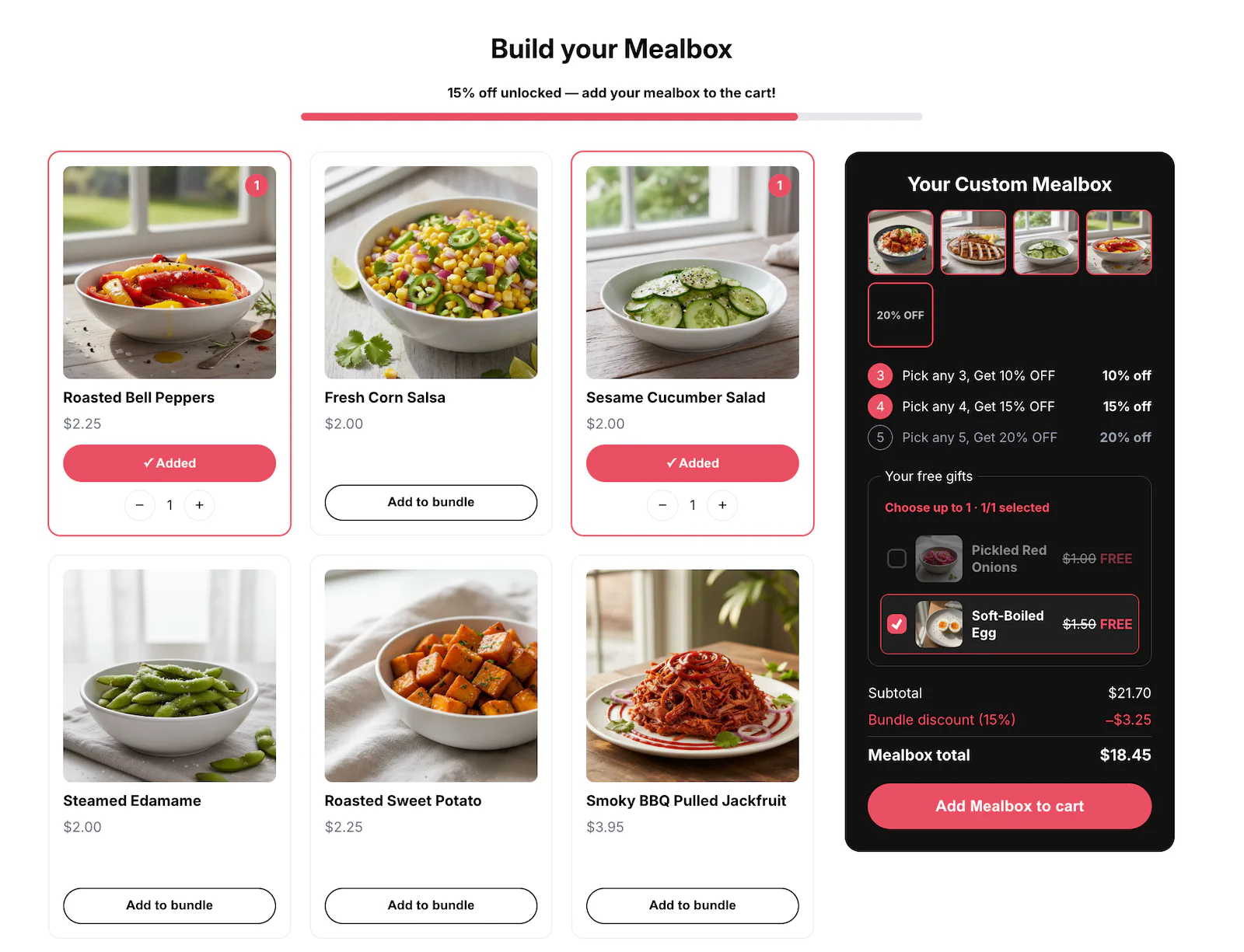
The options that actually ship.
These controls are grounded in the current campaign editor and publishing checks—not a future roadmap.
| Control | What it means |
|---|---|
| Campaign name visible only to the team | You choose this in the campaign or its matching Theme Editor surface. |
| Bundle name in cart and checkout | You choose this in the campaign or its matching Theme Editor surface. |
| Per-step reached message and badge | You choose this in the campaign or its matching Theme Editor surface. |
| Configurable rating, review-count, badge, and variant-swatch metafield sources | You choose this in the campaign or its matching Theme Editor surface. |
| Cover or contain product images; page-design cards can be boxed or bare | You choose this in the campaign or its matching Theme Editor surface. |
| Color swatches, review-count suffixes, gift-first cards, and theme-owned generic copy | You choose this in the campaign or its matching Theme Editor surface. |
| Search, option and price filters, sorting, and show-more paging on product-heavy views where supported | You choose this in the campaign or its matching Theme Editor surface. |
Storefront display and checkout authority stay separate.
Campaign pricing never depends on storefront wording or CSS.
Collection-sourced paid cards can read configured ratings live, with the published snapshot as fallback; other card data refreshes on publish.
Sticky page summaries measure the live theme header automatically, while Guided and Showcase fold their summaries into capped mobile sheets.
Long Color or Shade rows collapse after six swatches in card designs, keep the selected swatch visible, and fall back to text when no usable color exists.
Theme setup can open the product editor with the standard Bundle app block ready in the main section; the merchant still reviews and saves the theme change.